
Settings that matter
The switches that speed up your phone and free up space.
Android 101 · the waitlist
Android 101 is the course I’m planning for Samsung Galaxy and Android phones. Like my videos, it will show every tap on screen, so you can pause and do the same on yours.
the guide is emailed to you right away
After that, I send the occasional free email with a useful Android tip. You can unsubscribe any time. Your address goes to and nowhere else.
Channel totals from my YouTube channel, as of November 2026. New Android videos go up on Trevor’s Android.
Start here
Pick one. Each topic has free videos with the steps written out.
The switches that speed up your phone and free up space.

Spot spying apps and scam calls before they cost you.

Move your chats to a new phone and keep your messages.

Get back lost photos and tidy the apps you use every day.
New on the site
Many of my videos get their own page here. Each page has the video and every tap in order. You can watch it, read it, or both.
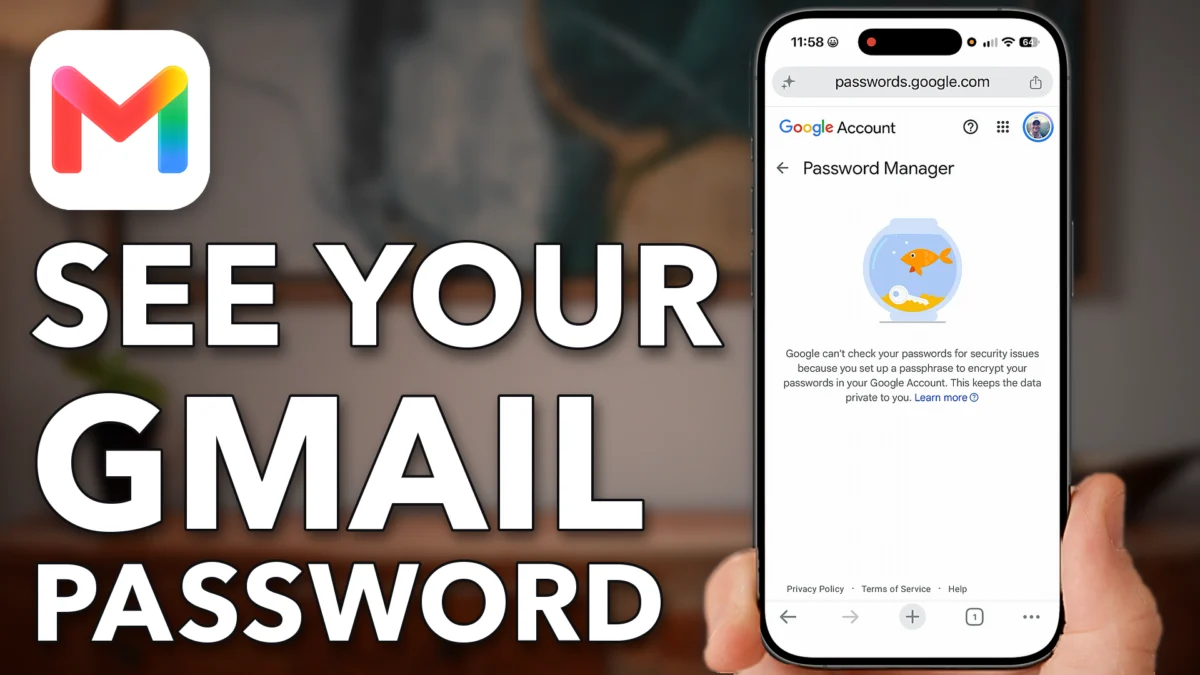 How To See Your Gmail Password If You Forgot ItIf you forgot your Gmail password, it may still be saved on your phone. There are three places to look, and Google…Watch and read
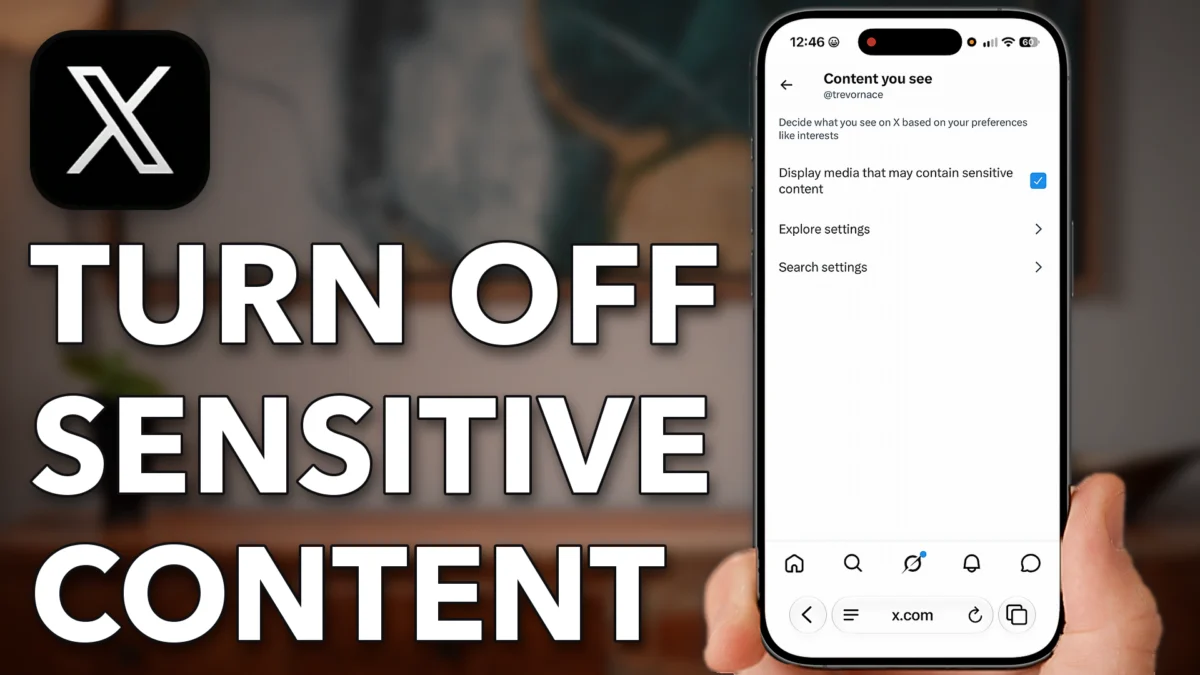 How To Turn Off X (Twitter) Sensitive Content SettingX hides media that may contain sensitive content, and the X app on iPhone and Android has no switch to change that.…Watch and read
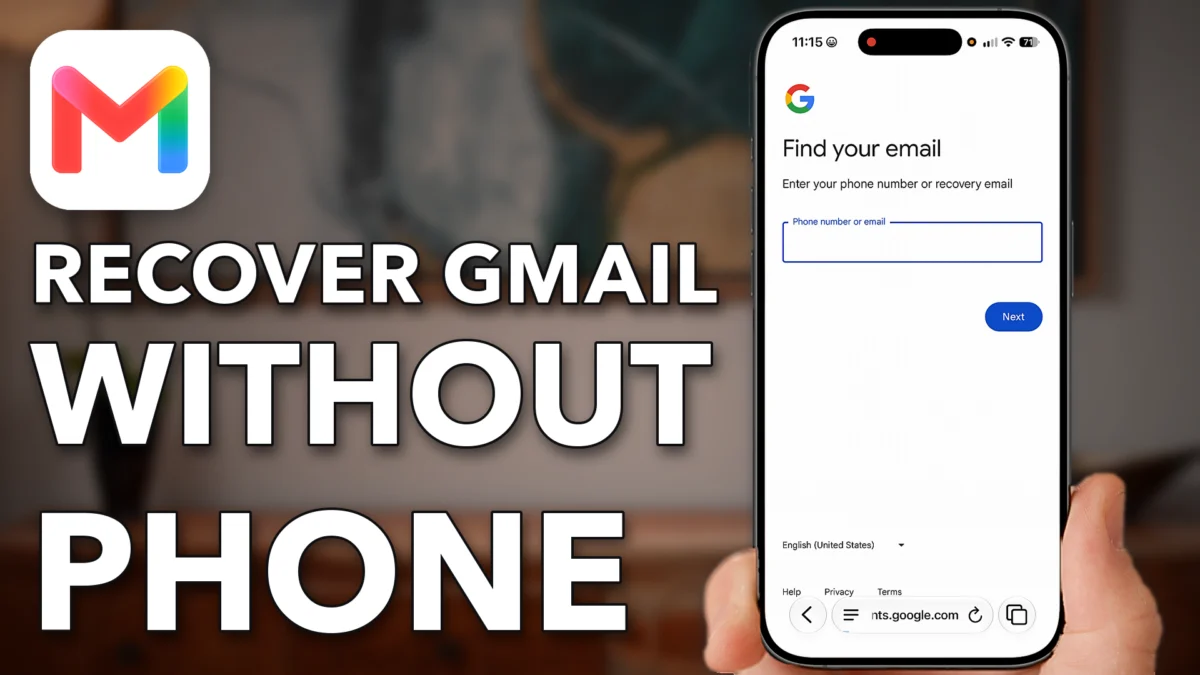 How To Recover Gmail Account Without Phone Number Or EmailLost the phone number and recovery email on your Gmail account? Start with Google's account recovery page, then use Google's support assistant…Watch and read
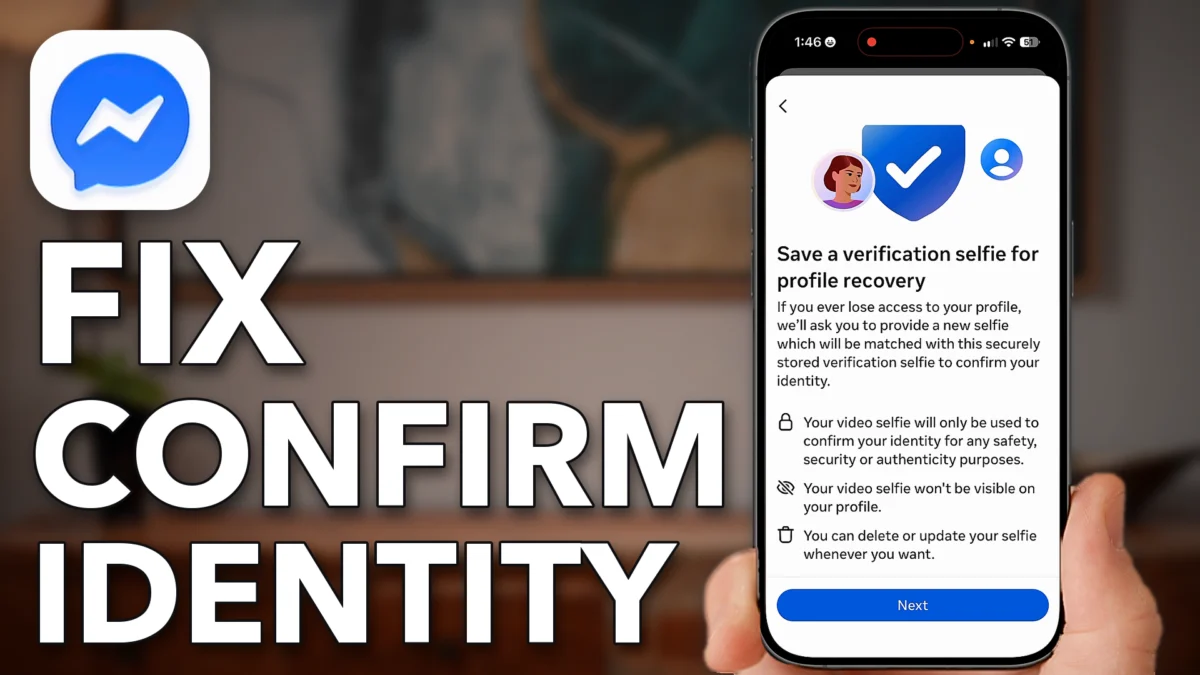 How To Fix Messenger Confirm Your Identity To Send MessagesThis guide helps with the Messenger message Confirm your identity to send messages, which appears when actions are restricted due to unusual…Watch and read
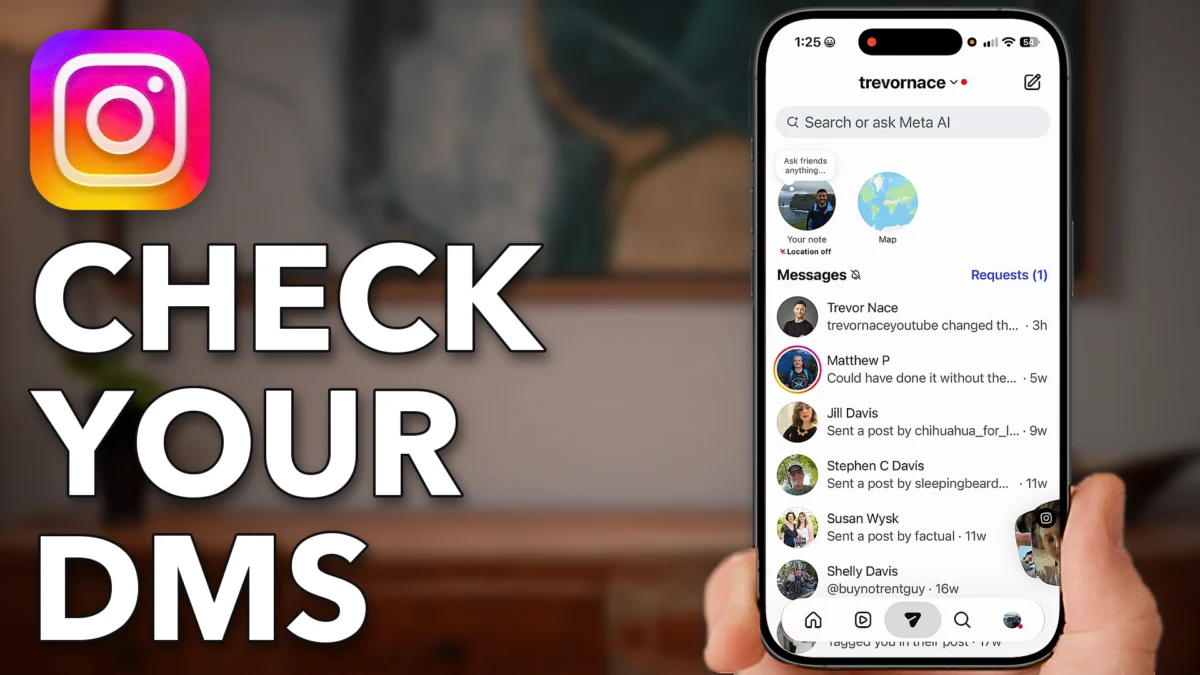 How To Check DMs On InstagramThis guide shows how to check your DMs on Instagram, the direct messages people send you in the app.Watch and read
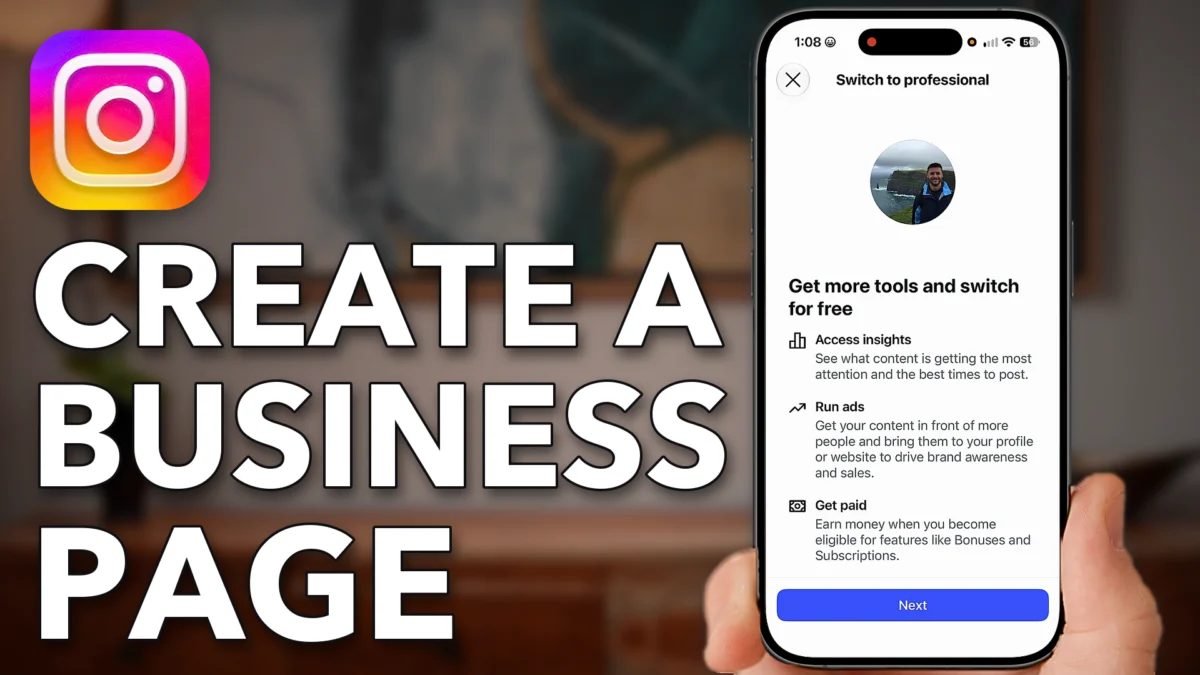 How To Create An Instagram Page For BusinessThis guide shows how to set up an Instagram page for your business, by switching your account to a professional one or…Watch and read
 hi, that’s me
Who makes the videos
I started on YouTube in July 2019. Since then I’ve made more than 16,400 videos, and 840+ of them are about Samsung Galaxy and Android phones.
Before that I was a geologist. I studied geology at UNC, earned a Ph.D. at Duke, and worked for Shell. I also wrote about science for Forbes and started Science Trends, a science website.
Now I make these videos full time from Raleigh, North Carolina. I read the comments, and the questions you ask most become the next videos.
Three steps
Learn where the main settings and screens are, so you don’t have to hunt for them.
like Settings › Security and privacy
Watch a lesson, pause it, and do the same on your own phone.
pause, tap, play
Each Android and One UI update moves a few things around. My videos show the newest screens.
One UI on Samsung, Android on Pixel
the course will put all of it in one place, in order
Why a course, when the videos are free?
A video answers the question you have today. A course also covers the questions you haven’t run into yet, in the order you’ll likely meet them.
One video
Like a dictionary
Android 101
Like a book
Android 101 · planned
Here’s what I plan to cover, from the first day with a new phone to the day something goes wrong. Tap a topic to see more.
The plan may change as I build it. The waitlist hears first, and hears what’s in it.
The free part
Android 101 will be a paid course. Joining the waitlist costs nothing, and you get these three things.
A guide with the exact taps for each setting, shown on a Samsung Galaxy. It arrives by email as soon as you join.
Every so often, I send one useful Android tip. Every email has an unsubscribe link.
You hear first when Android 101 opens.
Questions
No. Android 101 will be a paid course. The date and the price aren’t set yet. The waitlist, the guide and the tips email are free.
Yes. I make my videos for people who aren’t tech people. Every video shows every tap, with no jargon and no rush.
I record on a Samsung Galaxy. Most steps are the same on other Android phones, like a Google Pixel, though some menus have different names. My written guides point out the differences.
New Android videos go up on my channel Trevor’s Android. Many of them are written out with every tap on this site’s Android page.
You get an email from me right away, with a link to download the guide. If you don’t see it in a few minutes, check your Promotions or Spam folder. Your email goes to Kit, my email service, and nowhere else.
Go to the iPhone part of this site. It has my iPhone videos written out, the free 20 iPhone Settings guide and the iPhone 101 course.
Join the free Android 101 waitlist and get the guide right away. You hear first when the course opens.
The waitlist is free · unsubscribe any time · your email goes to Kit and nowhere else