iPhone 101 · the waitlist
Finally feel confident with your iPhone — one clear step at a time
Join the iPhone 101 waitlist: the complete, self-paced video course from the channel millions of people watch every month. Join today and get the free guide, 20 iPhone Settings To Fix Today, straight away.
free guide today · under $100 when it opens
Who’s teaching

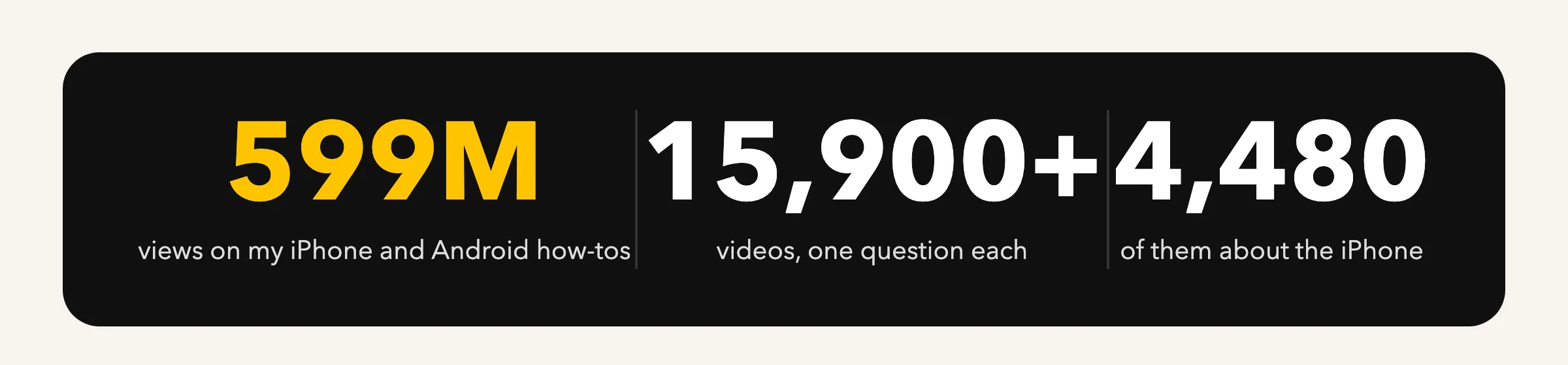
My iPhone videos are watched millions of times every month.
Short, simple, one question at a time. iPhone 101 is all of it, in order.
What do you need help with?

Settings that matter
The switches that keep your iPhone private, quiet and charged, and the ones to leave alone.
See the videos
Photos that never get lost
Where your photos really are, iCloud in plain English, albums, sharing, freeing space.
See the videos
Calls, texts and FaceTime
Spam calls, voicemail, group texts, blocking, and the Phone app’s hidden screens.
See the videos
When something goes wrong
Slow phone, full storage, no sound, no Wi-Fi, a frozen screen, and when to call Apple.
See the videosWatch the latest videos, written up
Every video becomes an article: the video, what it fixes, and every tap in order.
-
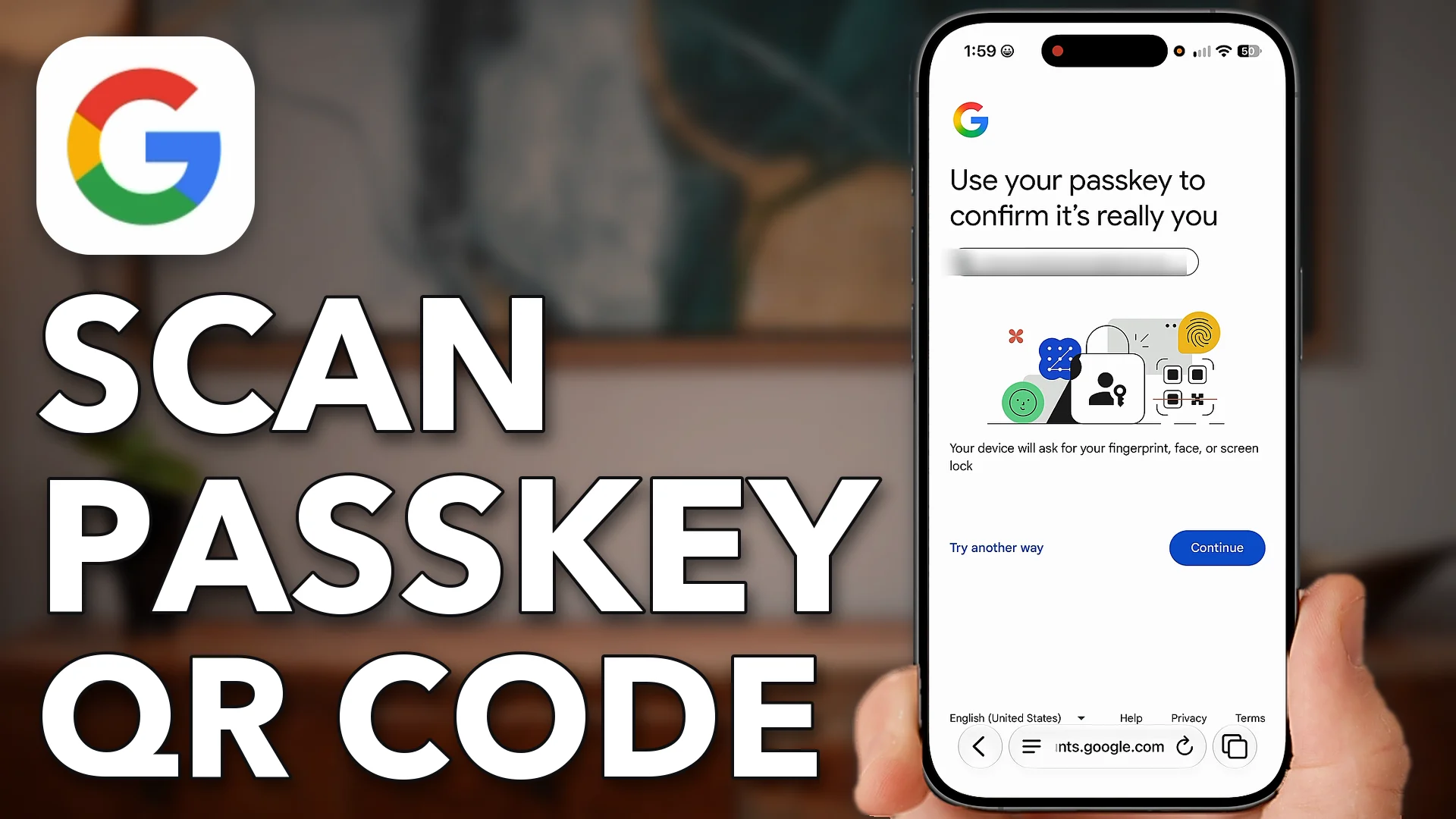
How To Use Google Scan Passkey QR Code To Login
log in from another device. Let’s go through it step by step. Open up a web browser on…
-
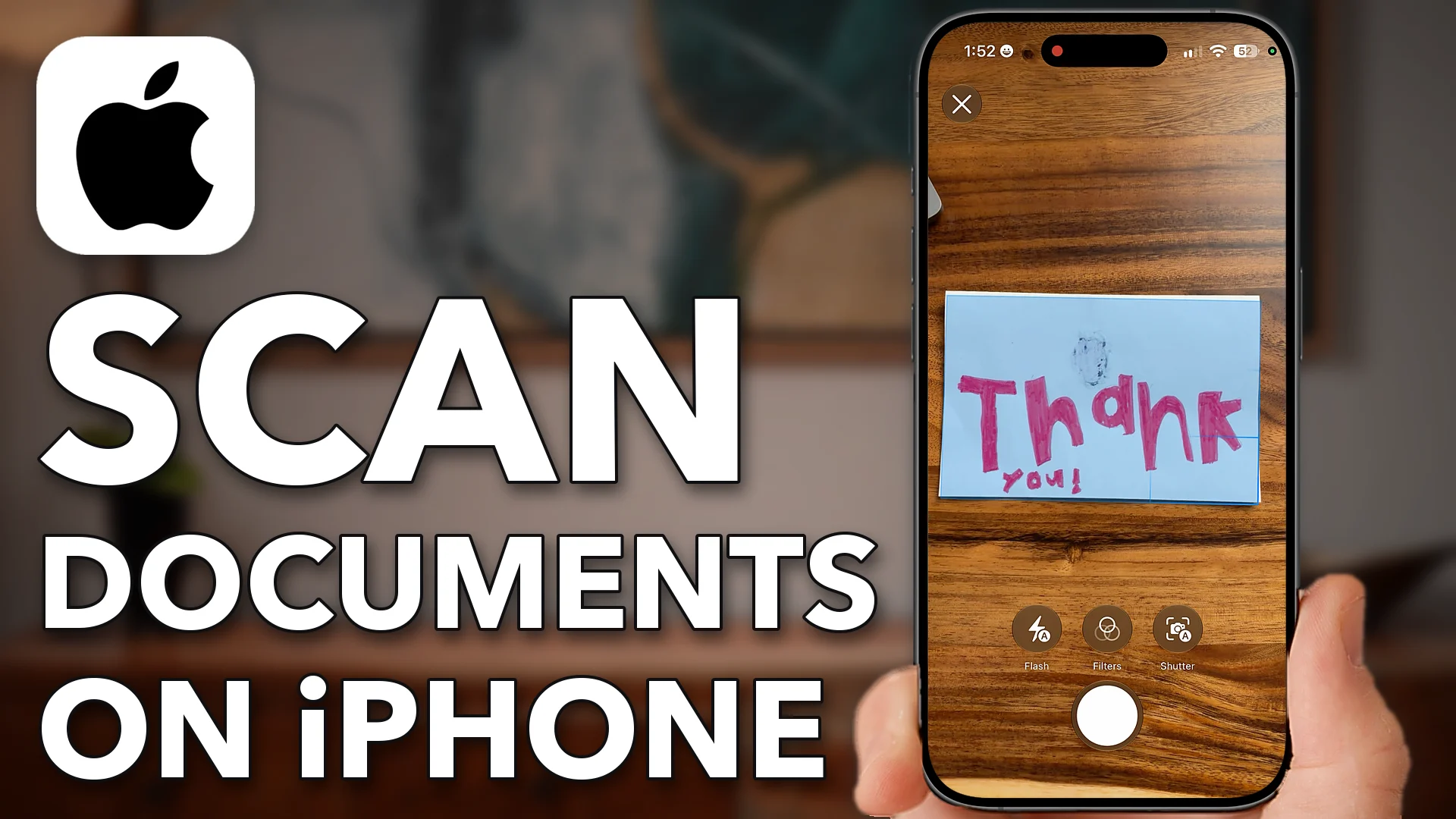
How To Scan Documents On iPhone (No Third-Party Apps Needed)
Let’s go through it step by step. Now there are two different apps we’re going to use. The…
-
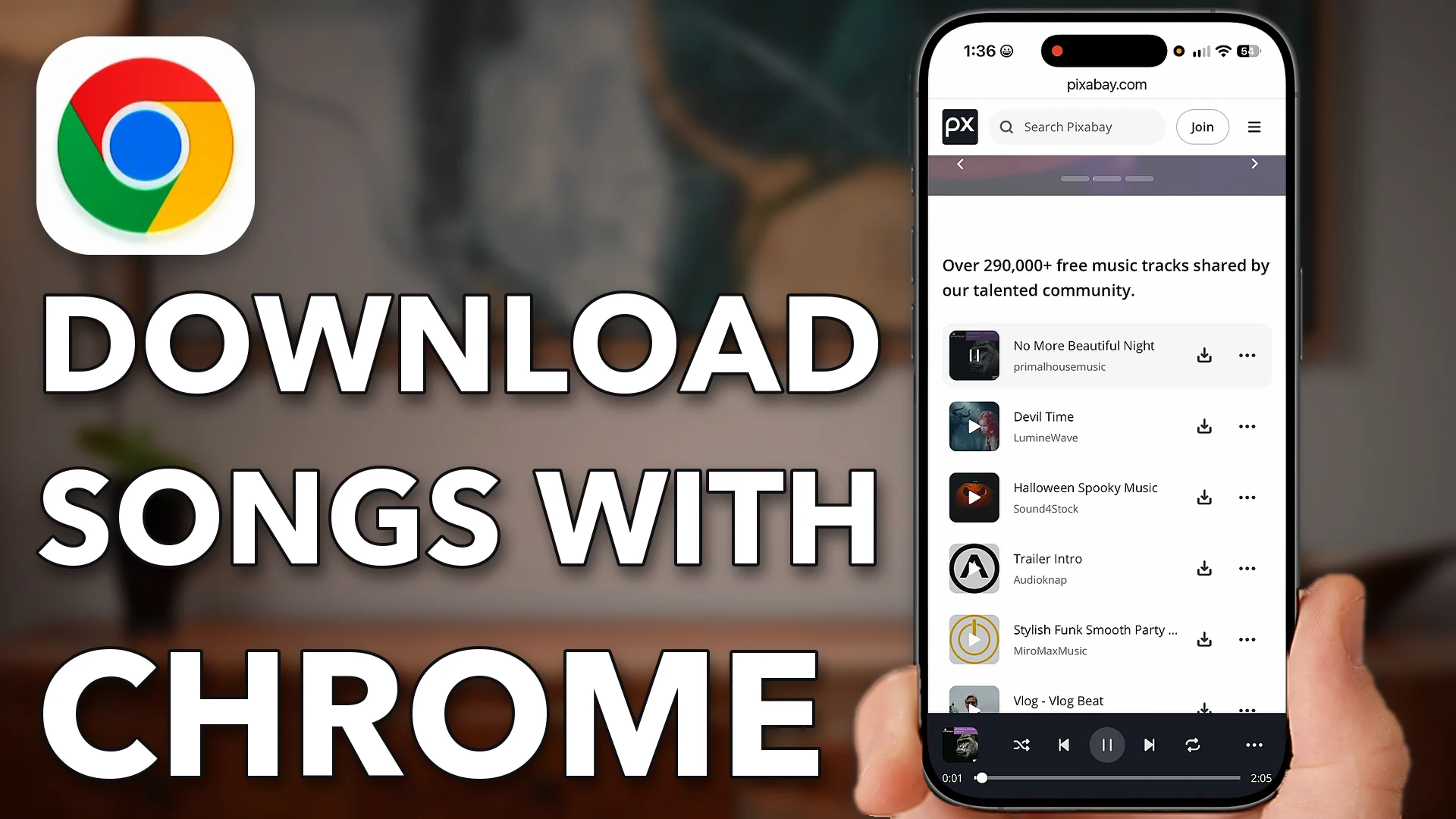
How To Download Non-Copyright Songs With Chrome On Phone
Let’s go through it step by step. Open up Google Chrome on your iPhone or Android, tap on…
-
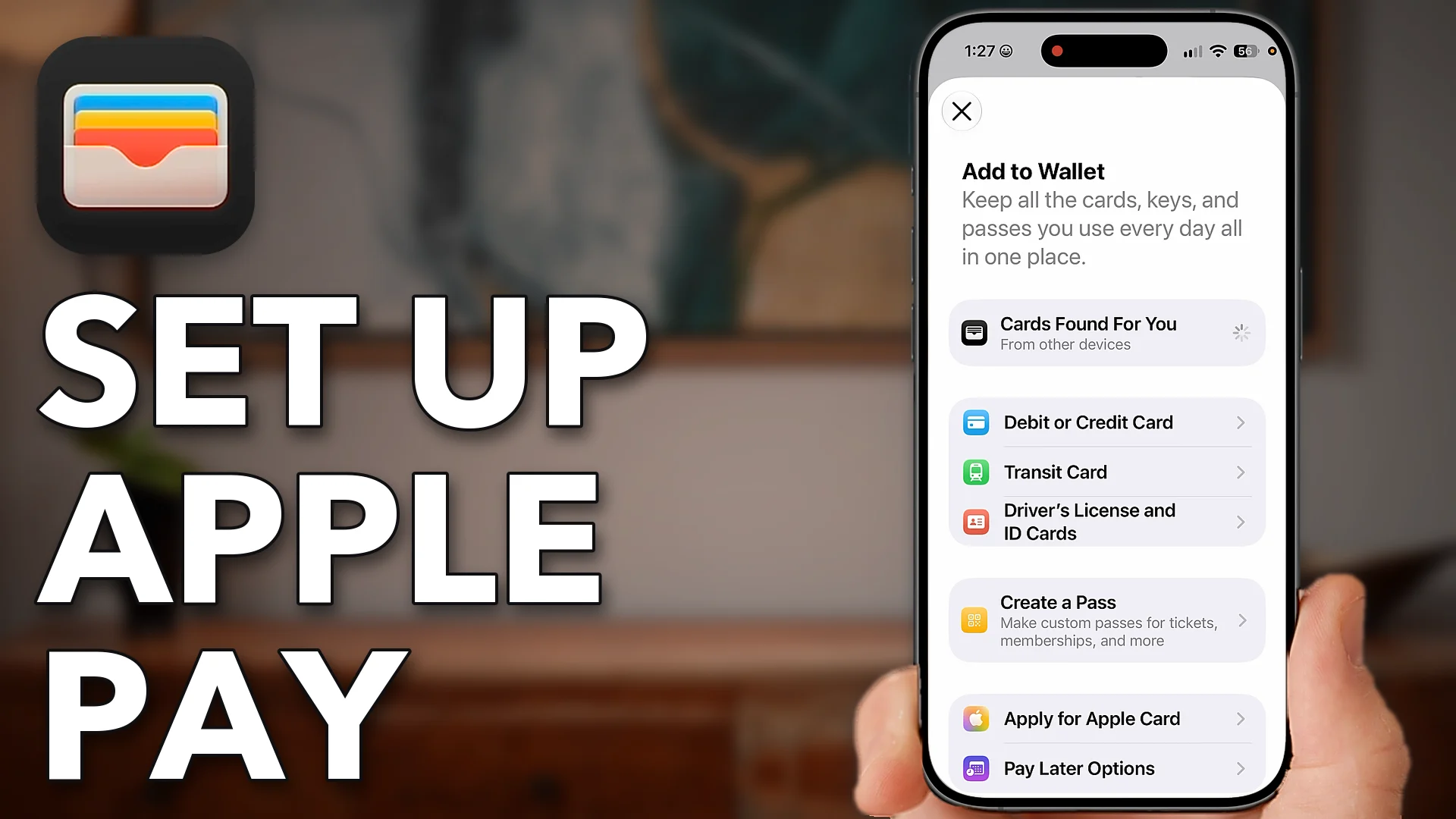
How To Set Up & Use Apple Pay On iPhone
Let’s go through it step by step. You’ll need your iPhone as well as the credit card that…
-
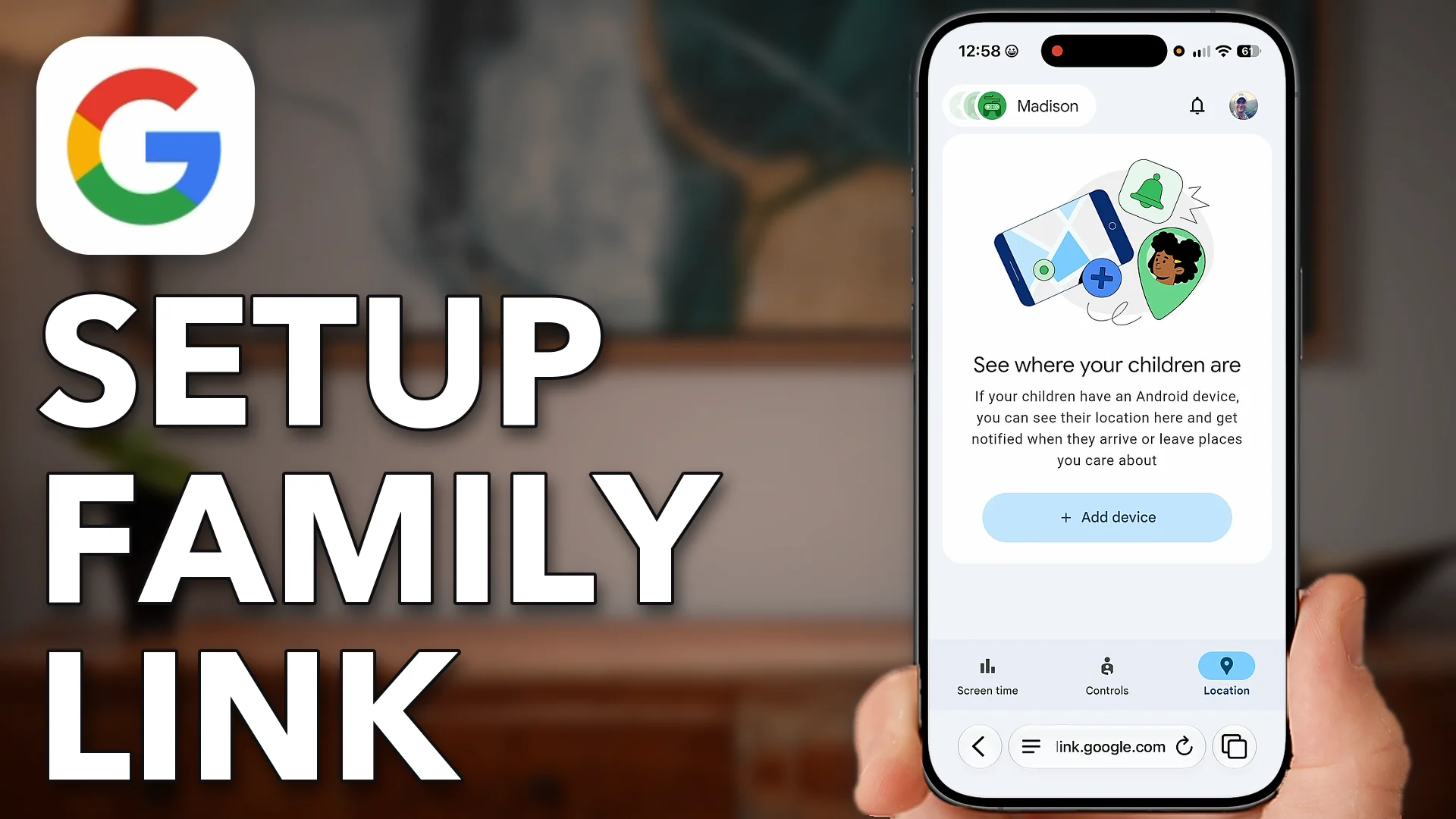
How To Setup Google Family Link (Google Parental Controls)
Let’s go through it step by step. Open up a web browser on your iPhone or Android. It…
-
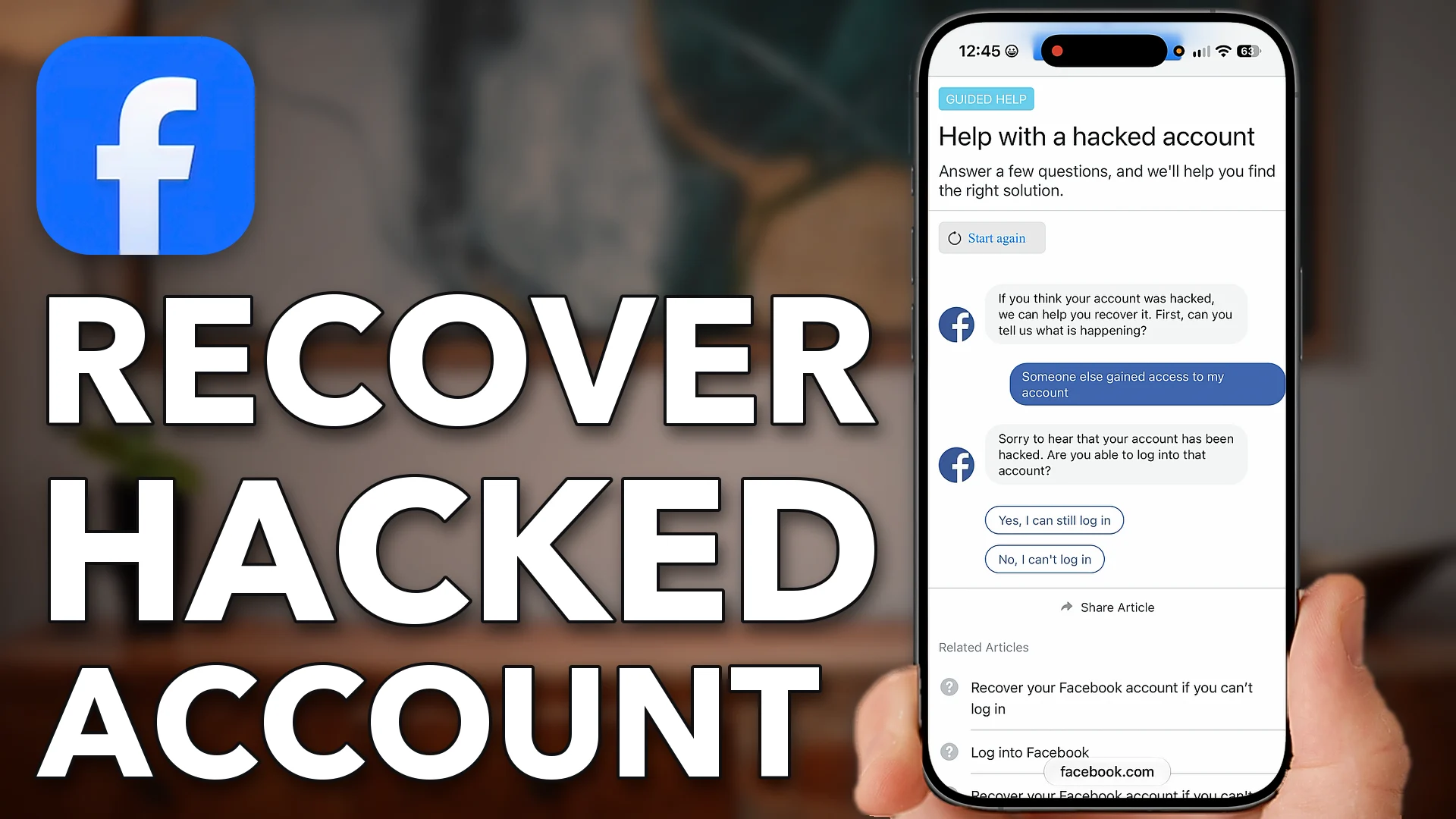
How To Recover Hacked Facebook Account (Phone Number Or Email Not Working)
Let’s go through it step by step. Open up a web browser on your iPhone Android or a

An iPhone can do far more than you think. I’ve spent years proving it, one question at a time.
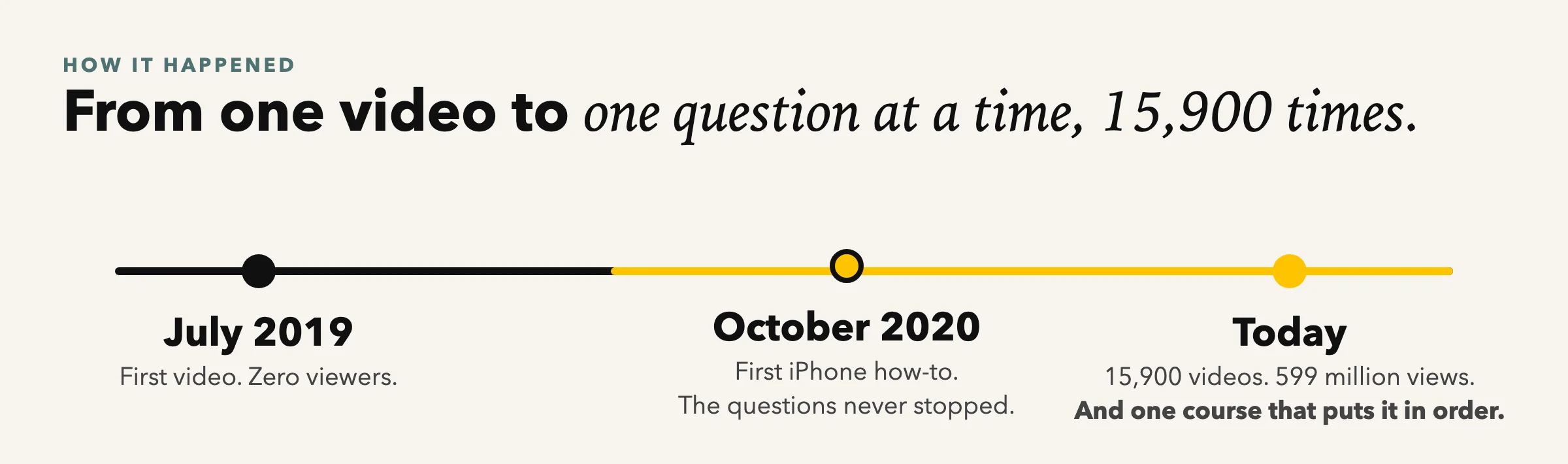
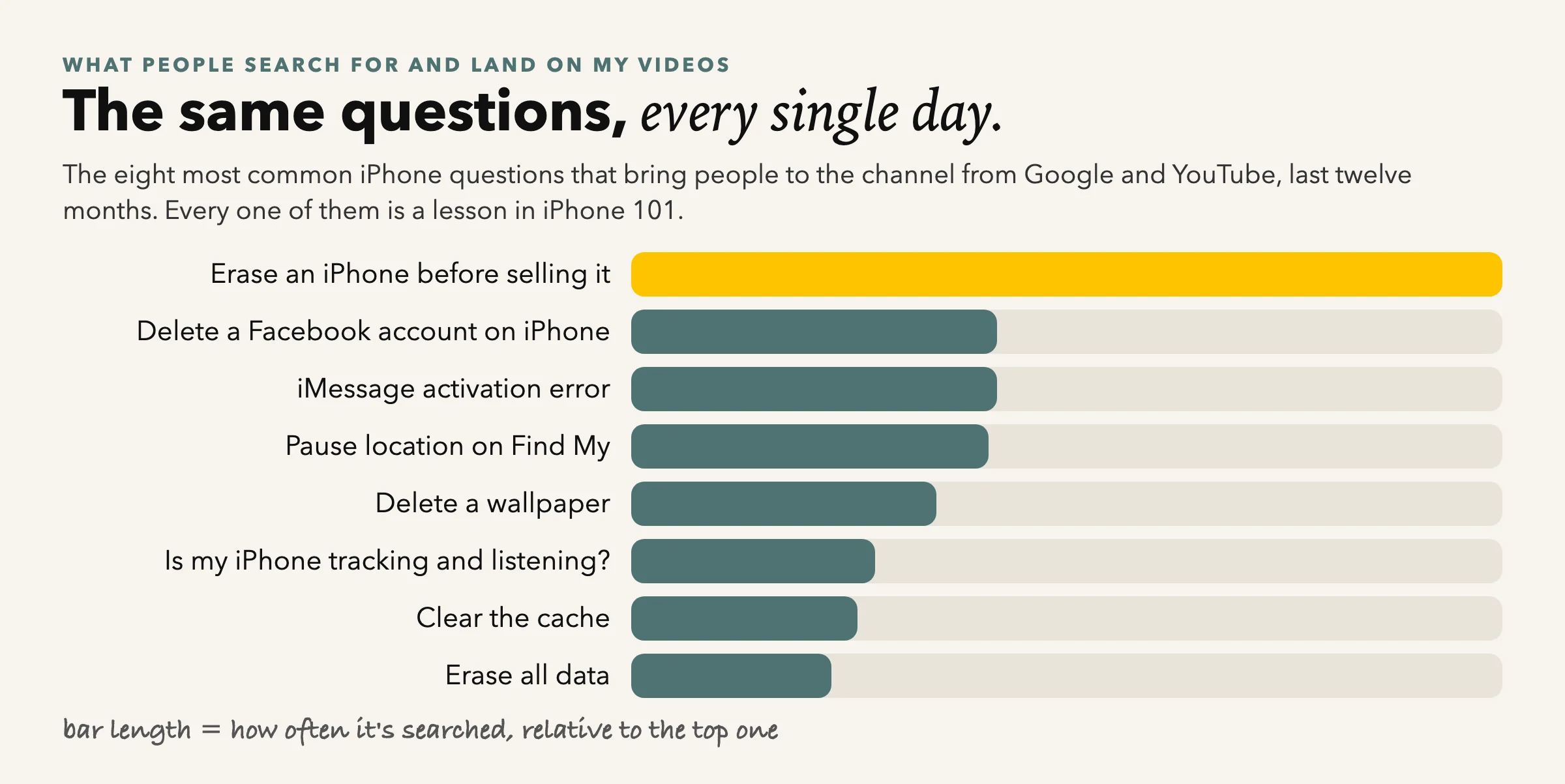
I started on YouTube in 2019 with one video and no audience. The first iPhone how-to came a year later, and the questions never stopped. Each video answers one of them in a couple of minutes: how to stop spam calls, why the storage is full, whether the phone is listening. Today there are thousands of them and millions of people watch every month.
The thing viewers ask for most is not another video. It’s everything, in order, from the first day with a new phone to the settings nobody told you about. That’s iPhone 101.
There’s no secret to being good with your iPhone. It’s just a matter of:
1. Knowing where things live.
The settings and the screens, so you never hunt.
2. Doing each one once, with someone showing you.
Watch, pause, do it on your own phone.
3. Keeping up when Apple moves things.
Every iOS update, the course is updated with it.
The theory is easy. The problem is nobody ever shows you all of it, in order. The course does.
Why a course, when the videos are free?
You need the order. That’s the secret.
A video answers the question you had today. A course answers the ones you haven’t had yet, in the order you’ll meet them, so each lesson builds on the last. Think of the videos as a dictionary and the course as the book.
- Settings that matter
- Photos that never get lost
- Calls, texts and FaceTime
- Mail, Safari and Maps
- Privacy, security and scams
- Storage and battery
- When something goes wrong
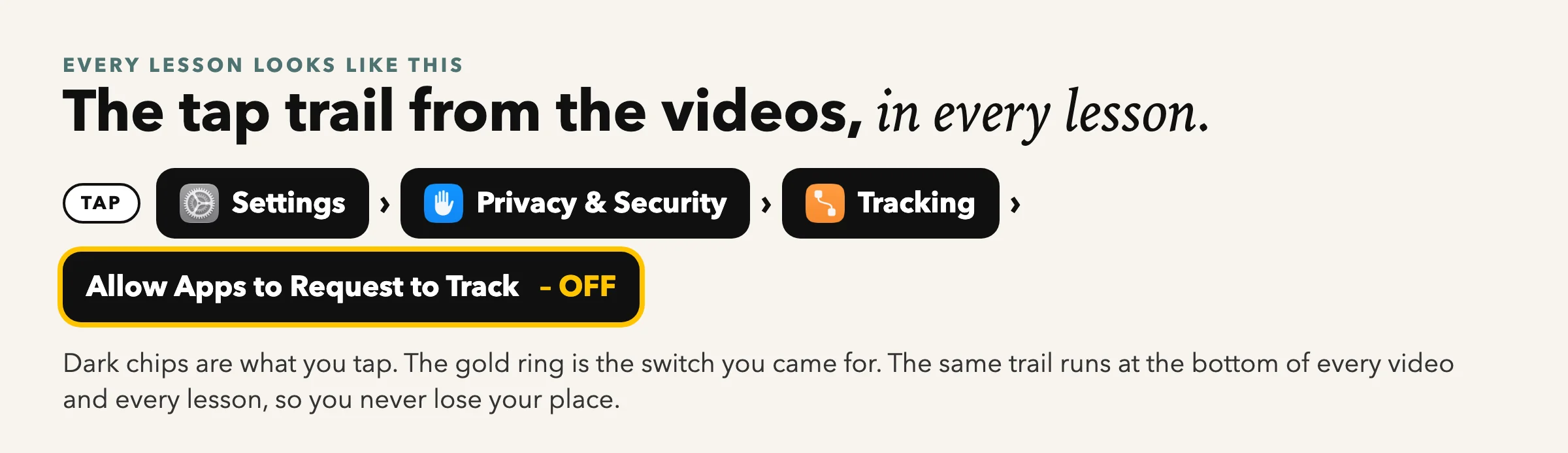
Same friendly, step-by-step style as the videos. Every tap shown on screen, with the tap trail.
The course
iPhone 101 condenses thousands of videos into one self-paced course.
1. Your First Day
Moving from your old phone, Face ID, your Apple Account, and the ten settings to change first.
2. Calls, Texts and FaceTime
Group texts, voicemail, blocking, the Phone app’s hidden screens, FaceTime with family.
3. Photos That Never Get Lost
Where your photos really are, iCloud in plain English, albums, sharing, freeing space.
4. Privacy, Security and Scams
The 20 settings, passwords and passkeys, two-factor codes, what a hacked phone looks like.
5. The Apps You Use Every Day
Mail, Safari, Maps, Wallet, Notes, Calendar, the App Store.
6. When Something Goes Wrong
Slow phone, full storage, no sound, no Wi-Fi, a frozen screen, and when to call Apple.
The offer
iPhone 101
- Every lesson with every tap shown on screen, in the order you’ll need them
- The 20 Settings guide and a printable checklist for every module
- Updated for every new iOS, included
- Live Q&A sessions with me for the first 90 days
- Lifetime access: watch at your own pace, come back whenever
Under $100 · one-time · lifetime access
waitlist members pay the least anyone ever will · early 2027
Waitlist members get the lowest price it will ever be, the day it opens. Early 2027.
The 30-day money-back guarantee
If you buy iPhone 101, watch it, and it doesn’t make your iPhone easier, email me within 30 days and I’ll refund every penny. Keep the guide.
— Trevor
watch it, try it, risk nothing
Wait, did you say free?
Yes. Everyone on the waitlist gets, today:
20 iPhone Settings To Fix Today
The 13-page guide, with the exact taps for each one.
My iPhone tips email
One useful thing a week, no fluff, unsubscribe any time.
First look and lowest price
You hear first when the course opens, and you pay the least anyone ever will.
And in every lesson, every tap is shown on screen with the tap trail, so you can pause and do the same on your phone.
Fair questions
What you’re probably thinking
“I’m not a tech person.”
That’s who it’s for. Every lesson starts from the Home Screen and shows every tap.
“My iPhone is a few years old.”
Everything works on any iPhone that runs iOS 26 or 27 (iPhone 11 and newer).
“I don’t have time.”
Lessons are 3 to 8 minutes. Watch one, do it, come back tomorrow. Lifetime access.
“What if it isn’t for me?”
30 days, full refund, keep the guide.
“What happens when I enter my email?”
You get one email asking you to confirm. Click the button in it and the guide opens. Check Promotions or Spam if it isn’t there in a minute.
Your iPhone is one course away.
Join the people already on the list. Free guide today, lowest price when it opens.