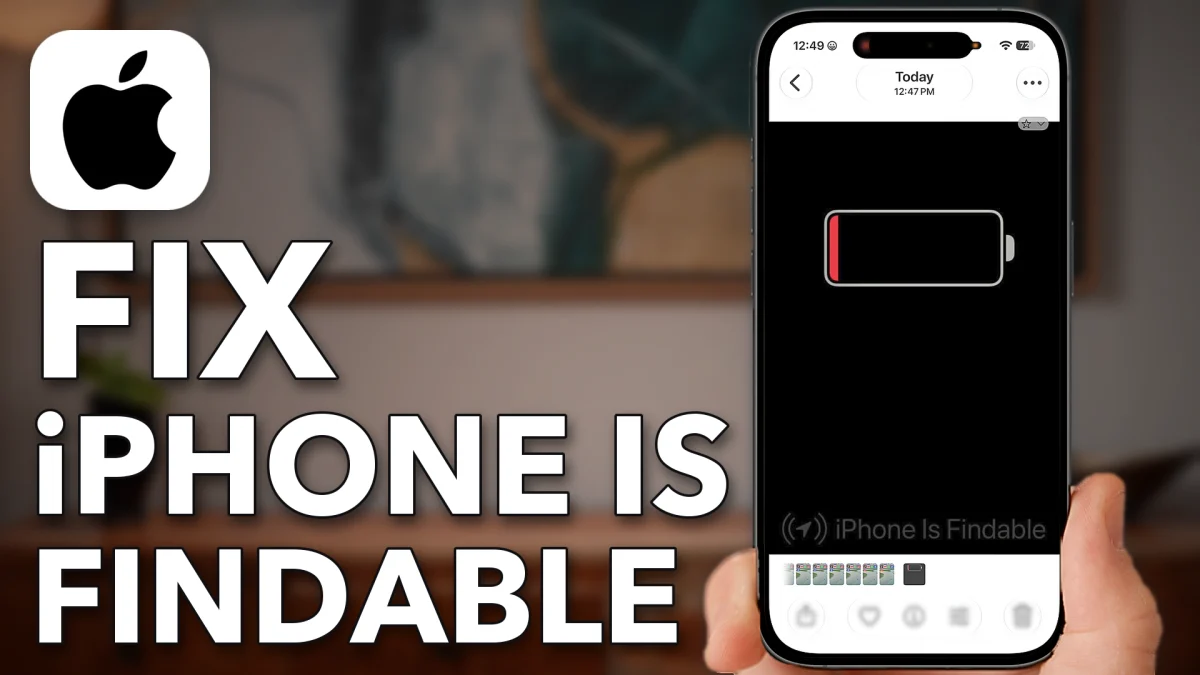
If your iPhone won’t turn on and only shows a low battery screen with “iPhone is findable” at the bottom, the battery has run flat and the phone needs to start charging again. Work through the cable, the port, a force restart and a wireless charger, in that order.
Get your iPhone charging
Most of the time the phone simply isn’t getting power. The cable and the port are the two usual reasons.
1. Swap the charging cable
Use an official Apple charging cable if you have one. If you have been using a third-party cable, switch it out for an Apple one. If you don’t have one, try a few different cables, since the cable itself might be the problem. Plug the phone in and leave it for a good 15 minutes.
2. Clean out the port
Still not charging? Unplug the cable and look at the USB-C port at the bottom of the phone. Over time, carrying the phone in a pocket packs lint and fuzz in there. Take something fine-tipped but soft and very gently pick it out, then blow into the port to clear it fully. Plug the phone back in and again leave it for about 15 minutes.
Last fixes for a dead iPhone
If a good cable and a clean port didn’t bring it back, try these two before you give up on the battery.
1. Force restart
A force restart fixes this a lot of the time. Press and release volume up, press and release volume down, then press and hold the side button until you see the Apple logo.
2. Try a wireless charger
If the phone still says it is dead and you have a wireless charger, set the iPhone on top of it and see whether it starts to charge.
If none of this works, you will probably need to take it to an Apple Store, because the battery may have completely died.
Watch this on YouTube and ask your question in the comments.