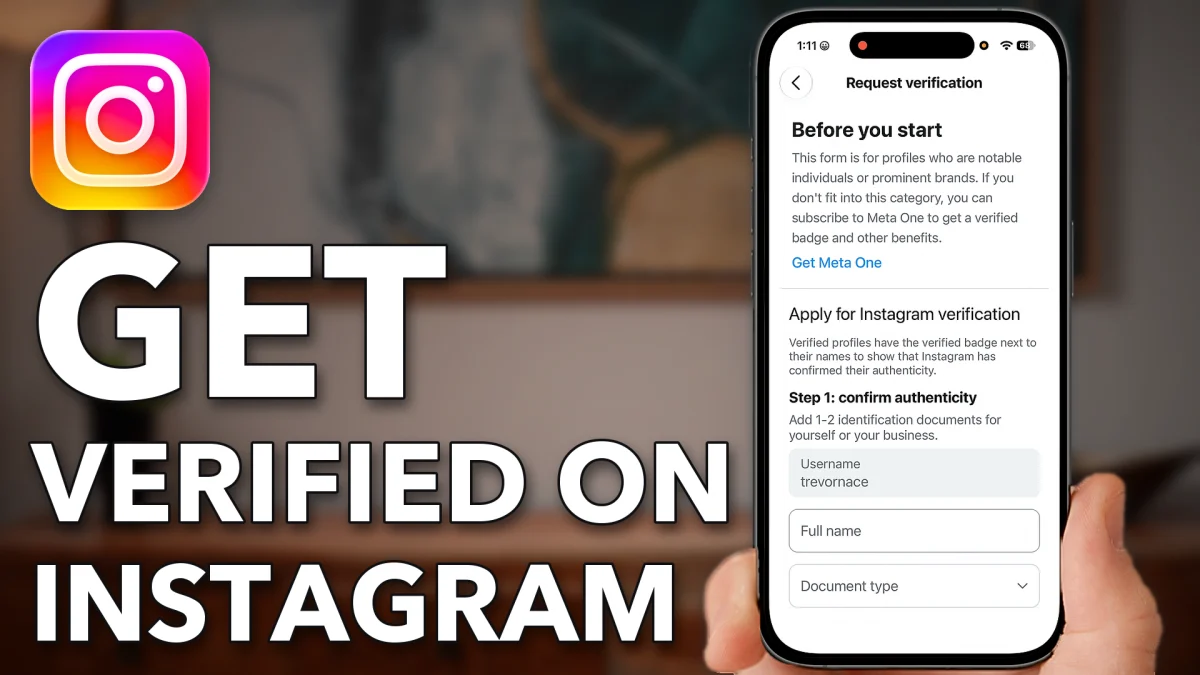
There are two ways to get the blue check on Instagram: pay for Meta Verified, or, if you are a notable person or brand, request verification for free. Here is how to do both from the app.
Pay for the blue check
Meta Verified is a paid subscription. Anyone can sign up, and the blue check comes with it.
1. Open Meta Verified
Open Instagram, tap your profile at the bottom right, then the three lines at the top right. Scroll down and tap Meta Verified. You see a preview of your name with the blue check next to it.
2. Pick a plan
The plans shown in the video are Standard, with the first month free and then $14.99 a month, Plus at $50 a month, Premium at $150 a month and Max at $500 a month. The screen lists what each one includes. For Standard, tap Try for $0.
3. Choose your profile and subscribe
You can subscribe for just this one profile or for your Facebook and Instagram together. Tap Continue with one profile. The next screen shows the first month free, then $14.99. Tap Try for $0 again and confirm the subscription on your phone, either with your password or by double-clicking the side button. Once that goes through, the blue verified check shows on your profile.
- Tap
 Menu
Menu Meta Verified
- Try for $0
- Continue with one profile
 Try for $0
Get the blue check free
The free route is a request form, and you reach it from the dashboard of a professional account. Switch your account first, then send the form.
1. Switch to a professional account
Tap the three lines at the top right of your profile, scroll down and tap Account type and tools. Tap Switch to professional account, then Next at the bottom, then Switch to professional account again. Choose Creator and tap Next. You don’t need to fill in the screens that follow; tap the X at the top right.
2. Request verification
Tap Your dashboard on your profile, then the gear icon at the very top right. Scroll to the bottom and tap Request verification. The form is for profiles of notable individuals or prominent brands, so it suits you if you have built up a large following or you are a well-known person or brand. Fill it out and tap Submit. If Instagram approves you, you get the blue check for free.
- Tap
- Menu
 Account type and tools
 Switch to professional account
- Next
- Switch to professional account
- Creator
- Next
- Your dashboard
 Settings
- Request verification
Watch this on YouTube and ask your question in the comments.