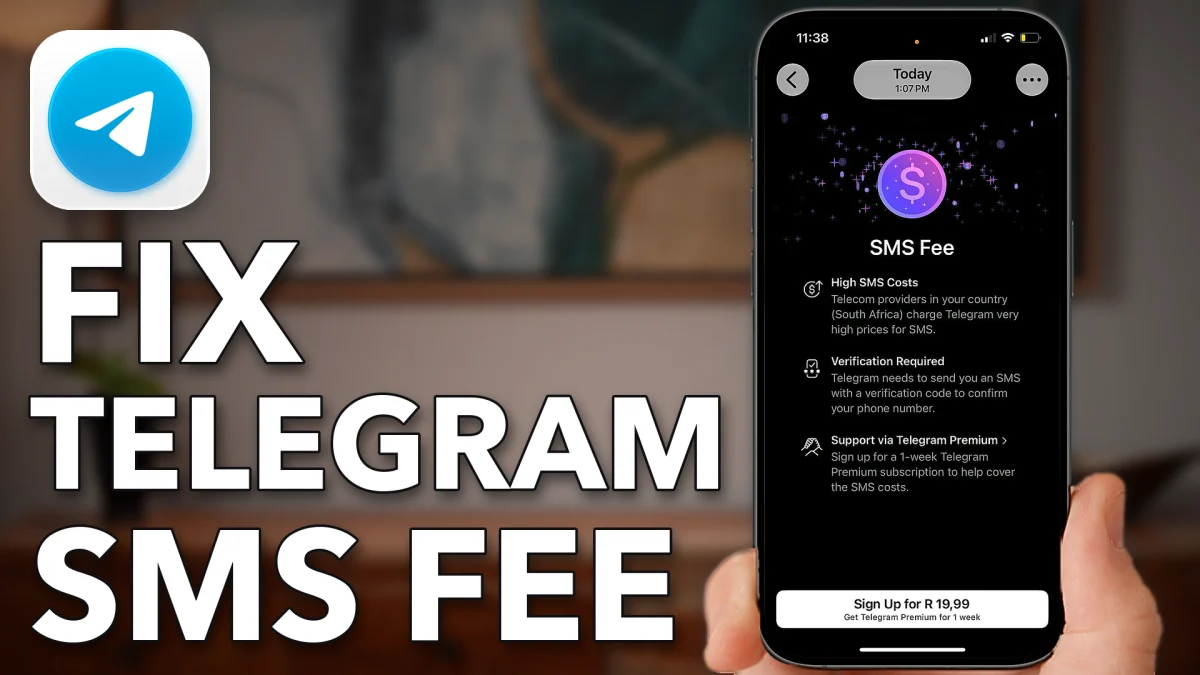
Telegram shows an SMS fee when sending your login code costs it too much, or when something on your phone gets in the way. Check your country, ask for a call, turn off any VPN, and if the fee is still there, use a free number or reset your phone’s connection.
Start in the Telegram app. Tap the country on the login screen and make sure it is the right one. Some countries have higher fees for SMS text messages than others, and the country has to match the phone number on your account.
Enter your phone number and tap Continue, then Continue again. If Telegram asks whether to call you or send a code, choose the call instead of an SMS code. If it recognizes your account, it may go straight to your password instead.
VPN makes codes cost more
A VPN that is turned on can make your codes more expensive for Telegram, and that is when it charges you a fee. Turn it off before you ask for the code.
Open Settings, tap General, scroll to the bottom and tap VPN & Device Management, then VPN. If a VPN is on, switch it off.
- Tap
 Settings
 General
 VPN & Device Management
 VPN
VPN
Get a number with no fee
Another option is a free phone number from Google Voice. All you need is a Google account. It gives you a free US number, but it is not available in every country.
Open a web browser and search for Google Voice. Tap the Google Voice result, then sign in to create your Google Voice number.
- Tap
 Safari
- Search
 Google Voice
If the fee still shows up
If you have tried all of that and Telegram still says it will charge you the SMS fee, reset your phone’s connection and then restart it.
1. Toggle Airplane Mode
Swipe down from the top right corner and tap the airplane icon to turn on Airplane Mode. Tap it again to turn it off. Your phone disconnects and then reconnects to your carrier.
- Tap
 Telegram
 Airplane Mode
 Airplane Mode
2. Force restart your phone
Press volume up, press volume down, then press and hold the side button until you see the Apple logo. Most of the time a force restart fixes the fee problem with Telegram codes.
Watch this on YouTube and ask your question in the comments.