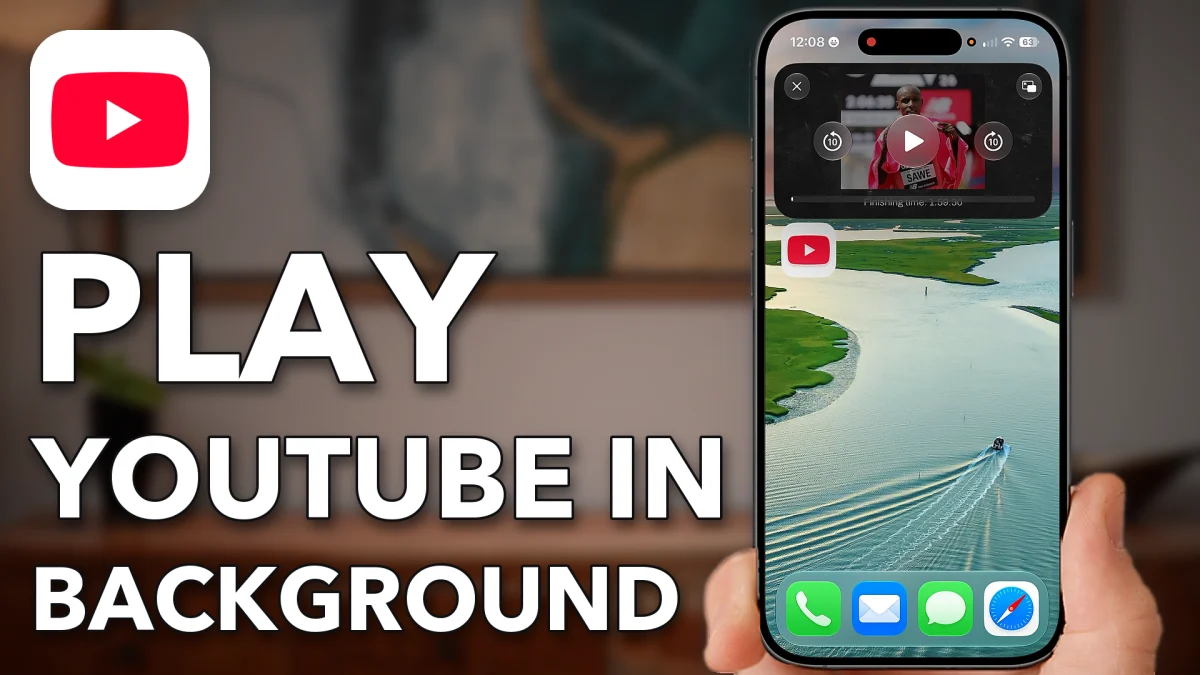
YouTube keeps playing in a small floating window when you leave the app, once two switches are on: Start PiP Automatically in your iPhone’s settings, and Picture-in-Picture in the official YouTube app’s own settings. Here is where each one lives.
Allow background play
The iPhone setting comes first. It allows your iPhone to keep a video playing in a small Picture in Picture window after you leave an app.
Open the Settings app and tap General. Scroll down, tap Picture in Picture and turn on Start PiP Automatically.
- Tap
 General
 Picture in Picture
- Start PiP Automatically
YouTube needs permission
The iPhone setting alone isn’t enough. YouTube has its own Picture-in-Picture switch, and it has to be on too.
1. Turn on Picture-in-Picture in YouTube
Open the YouTube app and tap You at the bottom right. Tap the gear icon at the top right to open your settings, scroll down and tap Playback. Turn on Picture-in-picture at the bottom.
2. Try it
Go back out and play any video, then leave the YouTube app. The video keeps playing in a small window. Drag it with your finger to move it anywhere on the screen while you do other things. Swipe it off the left edge to tuck it away, and tap the arrow to bring it back.
- Tap
 YouTube
 You
You Settings
 Playback
- Picture-in-picture
- Play a video
Watch this on YouTube and ask your question in the comments.