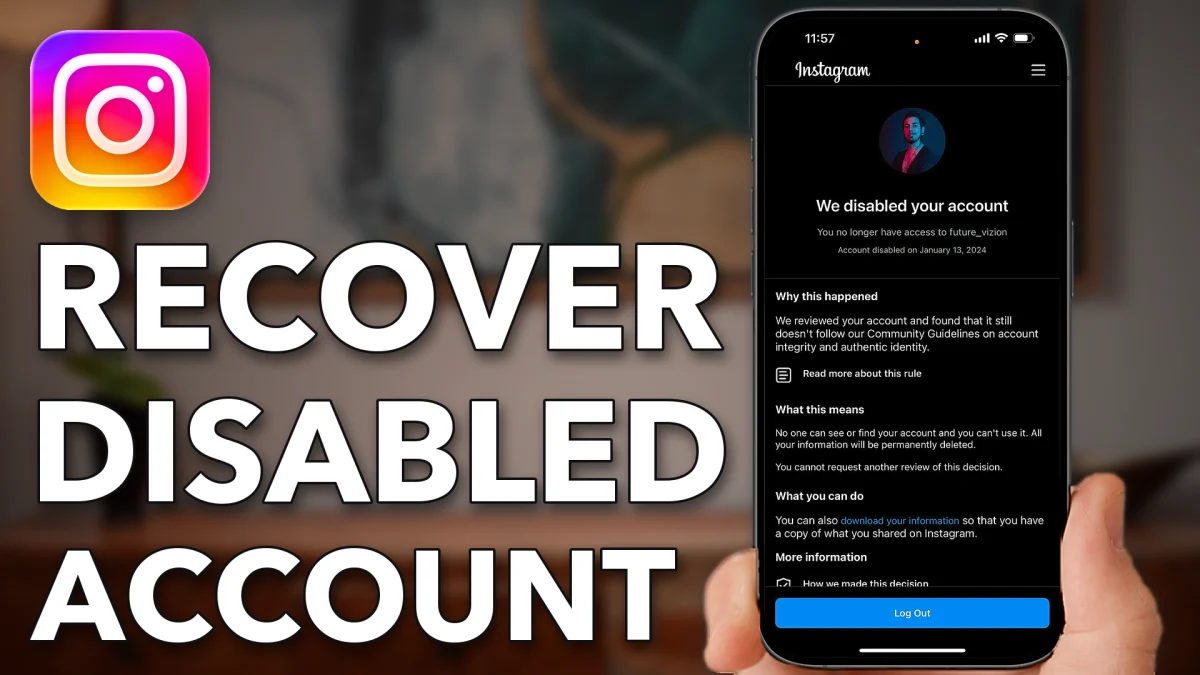
You may be able to get a disabled Instagram account back by asking Instagram to take another look. Download your information first, appeal in the app if Instagram offers it, and if it doesn’t, send feedback through the Help Center and contact Instagram directly.
When you open Instagram you see We disabled your account, with the reason: you didn’t follow the Community Guidelines, or at least the automated system thinks you didn’t. Before anything else, tap Download your information at the bottom. That way you keep a copy of everything in case the account can’t be recovered.
Ask Instagram to review
Instagram’s own Help Center explains how to ask for a review. Open a web browser, tap the search bar and search for Instagram Help Center. Tap the Instagram Help Center result, then Search help articles at the top. Search for disabled and tap the first result, About disabled Instagram accounts.
- Tap
 Safari
- Search
- Instagram Help Center
 Search help articles
- About disabled accounts
 Instagram
The article says that if you think your account was disabled by mistake, you can ask Instagram to review the decision by logging in and following the on-screen instructions. So open Instagram and look at the bottom of the screen. If you see an option to appeal, go through the appeal. It is your best bet for getting the account back.
If there’s no appeal button
Sometimes the only option on the disabled screen is Log Out. In that case, use the feedback form on the same Help Center article.
1. Open the feedback form
Go back to the Instagram Help Center article and scroll to the bottom. Under Was this helpful? tap No, then tap The solution doesn’t work. Tap Select, then tap the Tell us more box.
2. Explain what happened
Keep it short and honest. Something like: My Instagram account was disabled, but I didn’t violate the Community Guidelines. I use it normally to connect with friends and people I meet. I didn’t do anything a bot would do, and my account wasn’t hacked. Please let me recover my account.
3. Submit it
Tap Submit. Instagram thanks you for your feedback.
- Tap
- Safari
 No
No The solution doesn’t work
- Select
- Tell us more
- Submit
Reach Instagram directly
Your second option is to contact Instagram yourself, by email and on X.
1. Email Instagram support
Open a new browser tab and search for Instagram support email. The top of the results says Instagram doesn’t offer public customer service emails, but some addresses are listed. A USA Today article gives [email protected]. Send the same message you wrote in the form there, or scroll through the results for any other public addresses.
2. Message Instagram on X
Open the X app and tap Search at the bottom. Search for Instagram, tap Instagram’s account, then tap Message. Explain again that you didn’t violate the Community Guidelines and that you use the account to keep in touch with friends, neighbors and family, and ask them to help you recover it. They may respond and walk you through the steps.
- Tap
- New Tab
- Search
- USA Today
 X
X- Search
- Search
- Instagram
- Message
Watch this on YouTube and ask your question in the comments.