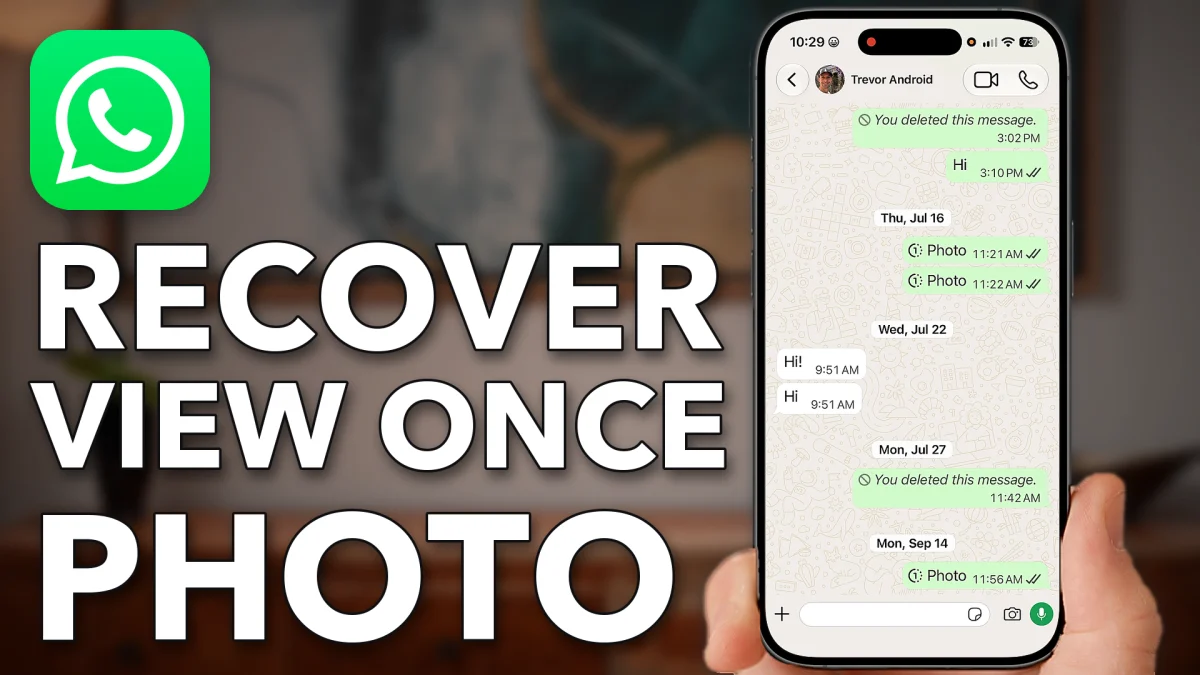
A View Once photo can’t be opened again from the chat itself. WhatsApp’s storage manager still lists the files in each conversation, and that is where the photo shows up again.
Why the photo won’t open
Open WhatsApp on your iPhone or Android and tap the conversation with the photo. Because it is a View Once photo, tapping it in the chat does nothing. You have to reach it another way, so tap the back arrow at the top left to leave the chat.
Find the hidden photo
Tap You at the bottom right, scroll down and tap Storage and data. Tap Manage storage at the top. This screen lists your conversations with the files saved in each one.
Scroll down and tap the same conversation, then tap the photo. The View Once photo opens from storage.
- Tap
 You
You Storage and data
- Manage storage
- The conversation
- Photo
Watch this on YouTube and ask your question in the comments.