Download the full PDF guide
Free. Enter your email and the PDF downloads right away. You also join my weekly email newsletter. Unsubscribe any time. Privacy
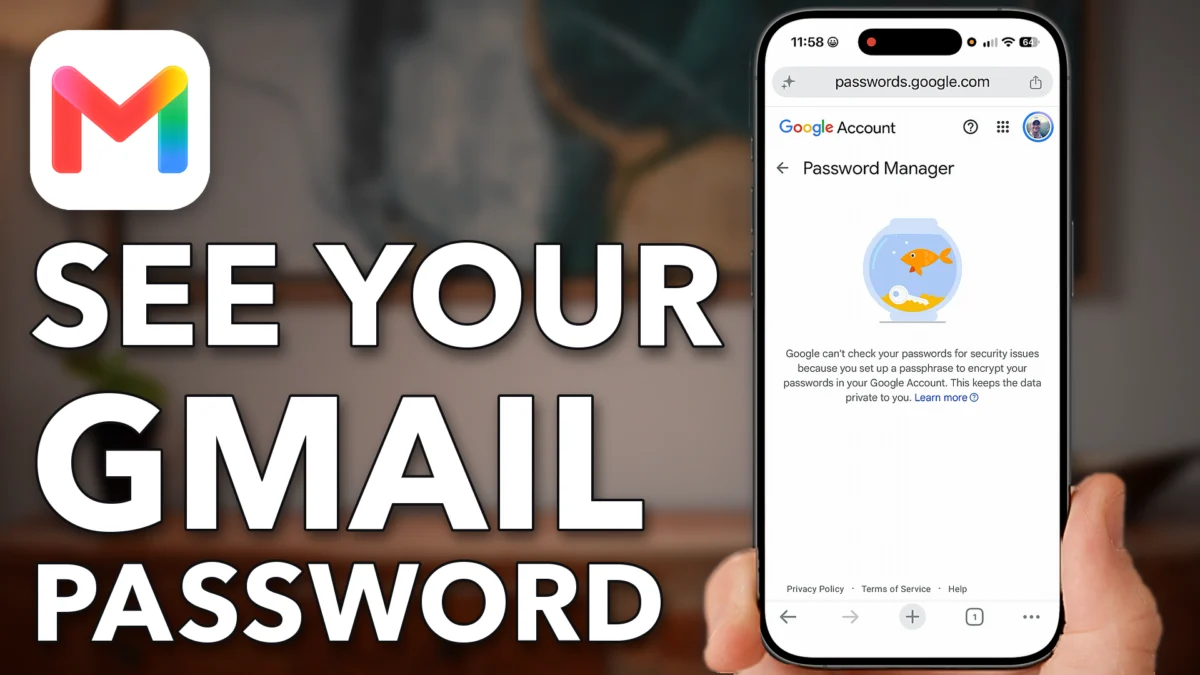
Locked out of Gmail, and the code goes to a phone number you no longer have? Google still has a way back in. It works if you forgot your password, forgot the email address itself, or someone else got into the account.
Find the recovery guide
Google’s own recovery guide covers a forgotten password, a forgotten email address and a hacked account. Start on google.com.
- Open a web browser and go to google.com.
- If you’re signed in to an account, tap your profile picture at the top right. Scroll to the bottom and tap Help.
- If you’re not signed in, open a New Tab instead. Type Google Help Center in the address bar and tap Google Help at the top of the results.
- Under How can we help, tap Describe your issue, type recovery and tap Search.
- Scroll down and tap How to recover your Google or Gmail account. It has tips for a forgotten password or a forgotten email address.
- If someone hacked into your account, tap Recover a hacked or hijacked Google account and follow those steps.
- Tap
 Google
 Profile
 Help
- New Tab
- Search or enter website
 Google Help Center
- Google Help
 Describe your issue
- Search
- Recover Your Google Account
- Recover a hacked account
Use the recovery tool
The easiest route I found is Google’s Get sign-in help tool. It walks you through getting the account back.
- Tap the back arrow to leave the hacked account page, then scroll to the top.
- Tap Get sign-in help at the top.
- Tap Start over.
- At the bottom, tap Sign in to a different Google Account, then tap Continue.
- Enter the username. That’s the email address of the account you want back.
- Tap
 Back
- Get sign-in help
- Start over
- Different Google Account
- Continue
- Enter your username
If you forgot your email
Can’t remember the email address either? Google has a username recovery tool for that.
- On the username screen, tap I don’t have it at the bottom.
- Enter the phone number or recovery email on the account, or the full name on your Google Account.
- When Google asks if you found your username, tap No, then Continue.
- Tap the username recovery tool and keep going through the steps to find your email address.
- Watch your email. Google may send you steps to get your account back within a couple of days.
- Tap
- I don’t have it
- No
- Continue
- Username Recovery Tool
Watch this on YouTube and ask your question in the comments.