A hot iPhone is usually working harder than it needs to, or holding in its own heat. Take the case off, unplug it, then cut back what the phone is doing in Settings and give it a fresh restart.
Find what’s heating your iPhone
Start with two quick things. Take the case off: the iPhone tries to release heat through its body, and a case keeps that heat trapped in. Then unplug it, because charging on its own can keep heating the phone up.
After that, look at what the phone is doing. Apps working in the background are a common cause, and now and then the battery itself has a problem. Check both.
1. Close every open app
Swipe up from the bottom of the screen and over to bring up the apps that are running, then close every single one.
2. Turn off Background App Refresh
Open Settings, scroll down and tap General, then Background App Refresh. Tap Background App Refresh again at the top and choose Off. It stops apps running in the background, which is a lot of the time what overheats the phone.
3. Check your battery health
Go back to the main Settings list, tap Battery, scroll down and tap Battery Health. At the top it should say Battery Health is Normal. If it does, the battery is fine. If it shows an error or an issue, turn the phone off and take it to an Apple Store so they can run diagnostics.
- Tap
 Settings
 General
 Background App Refresh
- Background App Refresh
- Off
 Battery
- Battery Health
Give your iPhone less to do
The less the phone is doing, the faster it cools down. These three switches cut its workload.
1. Turn on Low Power Mode
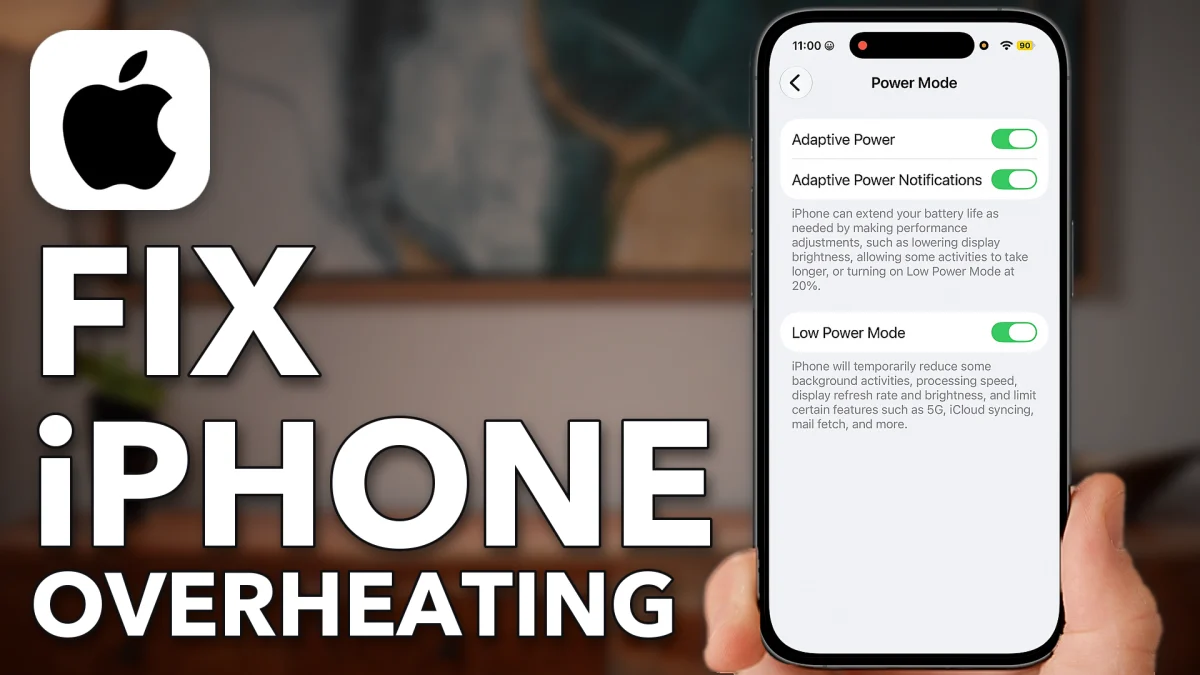
Go back to the Battery screen, tap Power Mode at the bottom and switch on Low Power Mode. It reduces background activity, processing speed and the display to save battery, and that also helps keep the phone from overheating.
2. Turn on Auto-Brightness
Go back to the main Settings list, scroll down and tap Accessibility, then Display & Text Size. Scroll to the bottom and switch on Auto-Brightness if it is off. A screen that is too bright adds heat.
3. Turn on Airplane Mode for a while
If you don’t need your phone right now, go back to the top of Settings and switch on Airplane Mode. Together with Low Power Mode it limits what the iPhone can do, and the phone starts to cool down right away.
- Tap
- Power Mode
- Low Power Mode
 Accessibility
 Display & Text Size
- Auto-Brightness
- Auto-Brightness
 Airplane Mode
Whatever you do, don’t put the phone in the freezer. Moisture can condense inside it, and that is really bad for it.
Restart to clear glitches
Finish with a force restart. It clears whatever might be keeping the phone busy and helps it cool down.
Press and release volume up, press and release volume down, then press and hold the side button until you see the Apple logo.
Watch this on YouTube and ask your question in the comments.