The blog
My iPhone videos, written out
Many of my videos have a page here. Each page lists every tap in order, so you can follow along on your own phone at your own pace. The video is at the top if you’d rather watch.
141 videos written out so far, newest first.
 How To Set Up Google Authenticator!This guide shows you how to set up Google Authenticator on your iPhone or Android phone and use it to protect an…Watch and read
 How To Add Your House Name On Google MapThis guide shows you how to add your house name to Google Maps, either publicly so everyone can see it or as…Watch and read
 How To Fix iPhone Switch Off Automatically Even With Battery LifeThis guide helps you fix an iPhone that shuts off on its own even though the battery still shows 5, 10 or…Watch and read
 How To Empty Trash On iPhoneThis guide shows you how to empty the trash on your iPhone and free up a lot of storage.Watch and read
 How To Transfer eSIM From One iPhone To Another iPhone!This guide shows you how to move your phone number from your old iPhone to a new iPhone, whether the old one…Watch and read
 Hidden iPhone Features Apple Doesn’t Show You!Eighteen hidden iPhone features, from side button and keyboard shortcuts to scheduled texts, hidden apps, Stolen Device Protection and offline maps. Each…Watch and read
 How To Recover Hacked Instagram Account Without Email Or Phone Number (2026)This guide walks you through recovering a hacked Instagram account after the hacker changed the email address and phone number you used…Watch and read
 How To Upload Files To A Shared Google Drive Link (2026)This guide shows you how to upload a photo, video or file to a shared Google Drive link that someone texted or…Watch and read
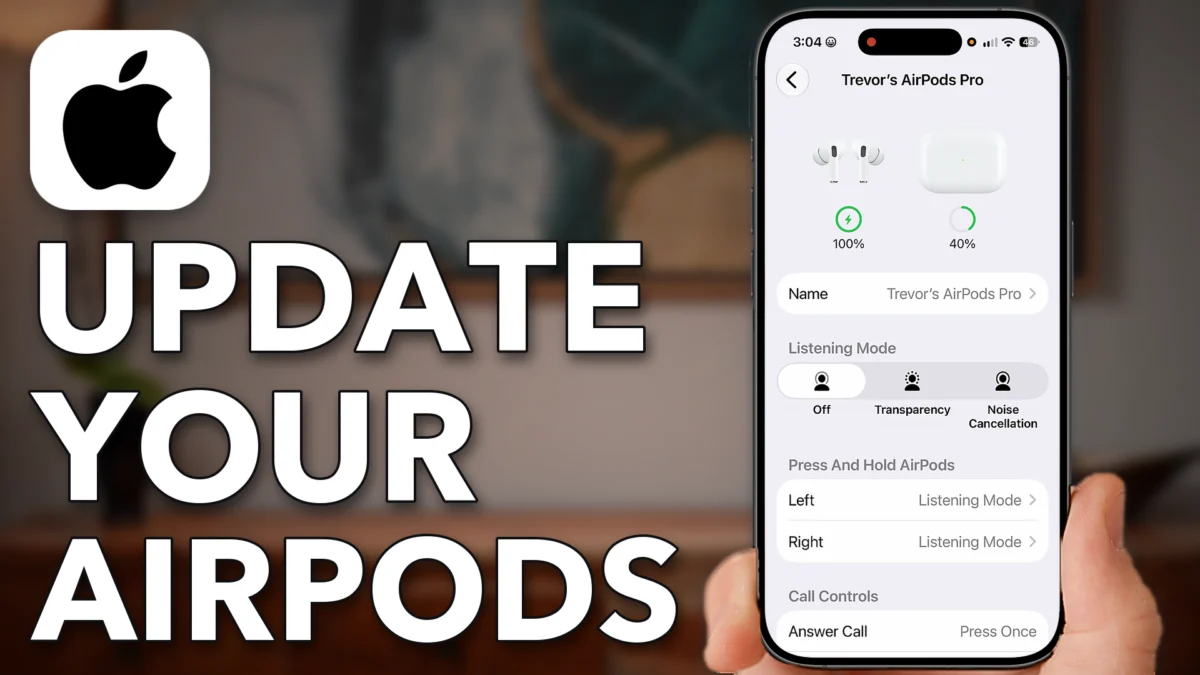 How To Update AirPods (Yes, You Have To Update Them!)Let's go through it step by step. Now you might not have known this, but you need to update the firmware on…Watch and read
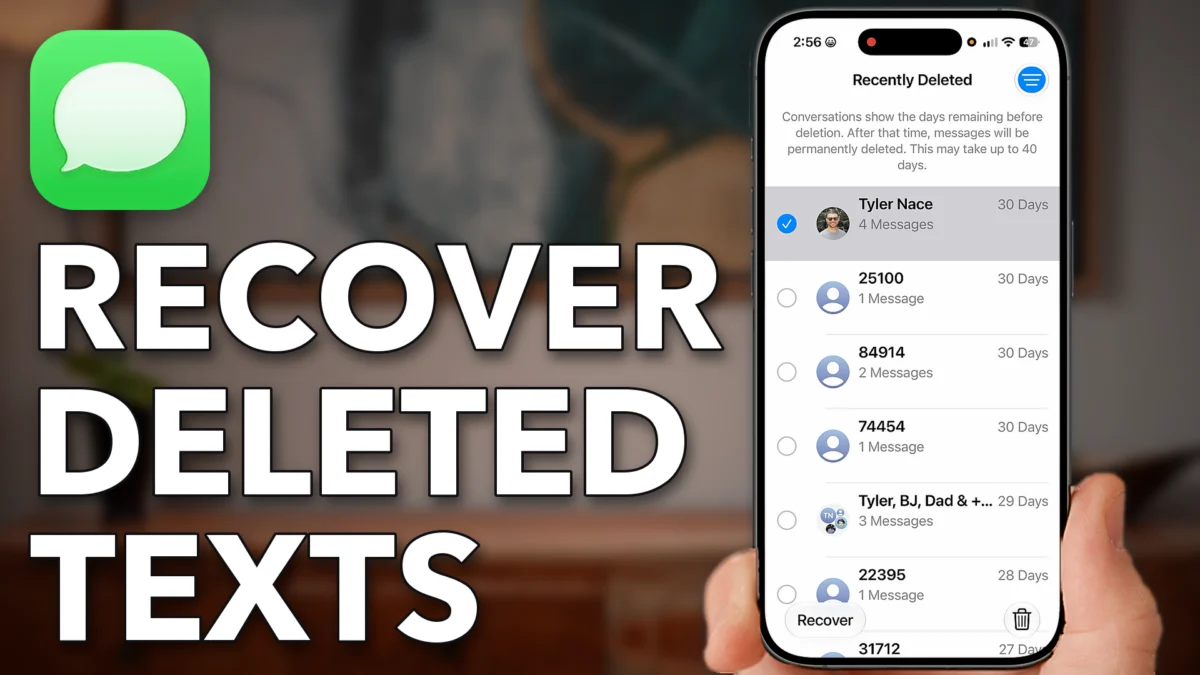 How To Recover Deleted Text Messages On iPhoneLet's go through it step by step. The first option is to open up the Messages app on yourWatch and read
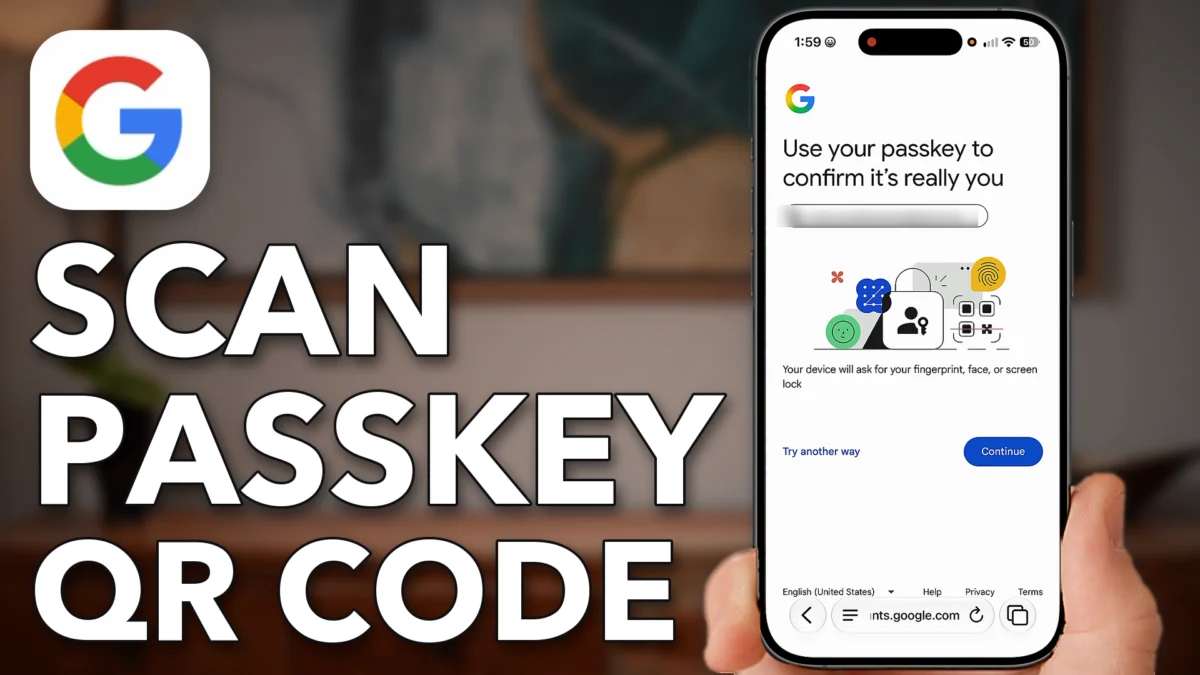 How To Use Google Scan Passkey QR Code To Loginlog in from another device. Let's go through it step by step. Open up a web browser on your iPhone orWatch and read
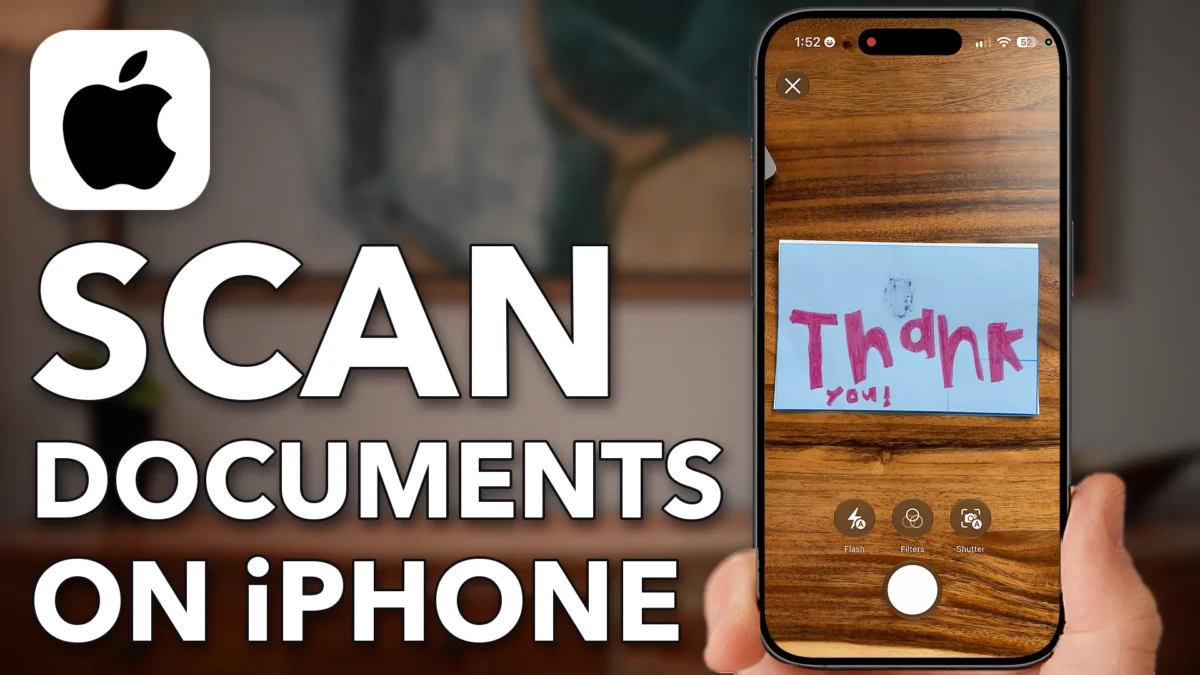 How To Scan Documents On iPhone (No Third-Party Apps Needed)Let's go through it step by step. Now there are two different apps we're going to use. The first one is the…Watch and read
Free iPhone guide
20 iPhone Settings To Fix Today
Join the free iPhone 101 waitlist and I’ll email you the guide right away. After that, I send one useful iPhone tip about once a week. iPhone 101 itself is a paid course. It will cost under $100 and opens early 2027. The waitlist hears first.
free guide now · course opens early 2027